OpenID Connect (OIDC) Authentication
The oidc authentication module lets you protect WUD access using the OpenID Connect standard with providers such as Authelia, Auth0, Authentik, Keycloak, or Okta.
Variables
WUD_AUTH_OIDC_{auth_name}_CLIENTID
Requiredstring
Client ID
WUD_AUTH_OIDC_{auth_name}_CLIENTSECRET
Requiredstring
Client Secret
WUD_AUTH_OIDC_{auth_name}_DISCOVERY
Requiredstring
OpenID Connect discovery URL
WUD_AUTH_OIDC_{auth_name}_REDIRECT
Optionalbooleandefault: false
Skip internal login page and automatically redirect to the OIDC provider
WUD_AUTH_OIDC_{auth_name}_TIMEOUT
Optionalintegerdefault: 5000
Timeout (in ms) when calling the OIDC provider
WUD_AUTH_OIDC_{auth_name}_TTL
Optionalintegerdefault: 60
Cache TTL (in minutes) for OIDC discovery metadata; use -1 for unlimited validity
WUD_AUTH_OIDC_{auth_name}_USERNAMECLAIM
Optionalstringdefault: email
User claim to use as the username
The callback URL to configure in your IdP is formatted as:
${wud_public_url}/auth/oidc/${auth_name}/cbWUD automatically attempts to determine its public address for redirect URLs. If this fails due to a complex reverse proxy setup, you can explicitly specify the base URL using the
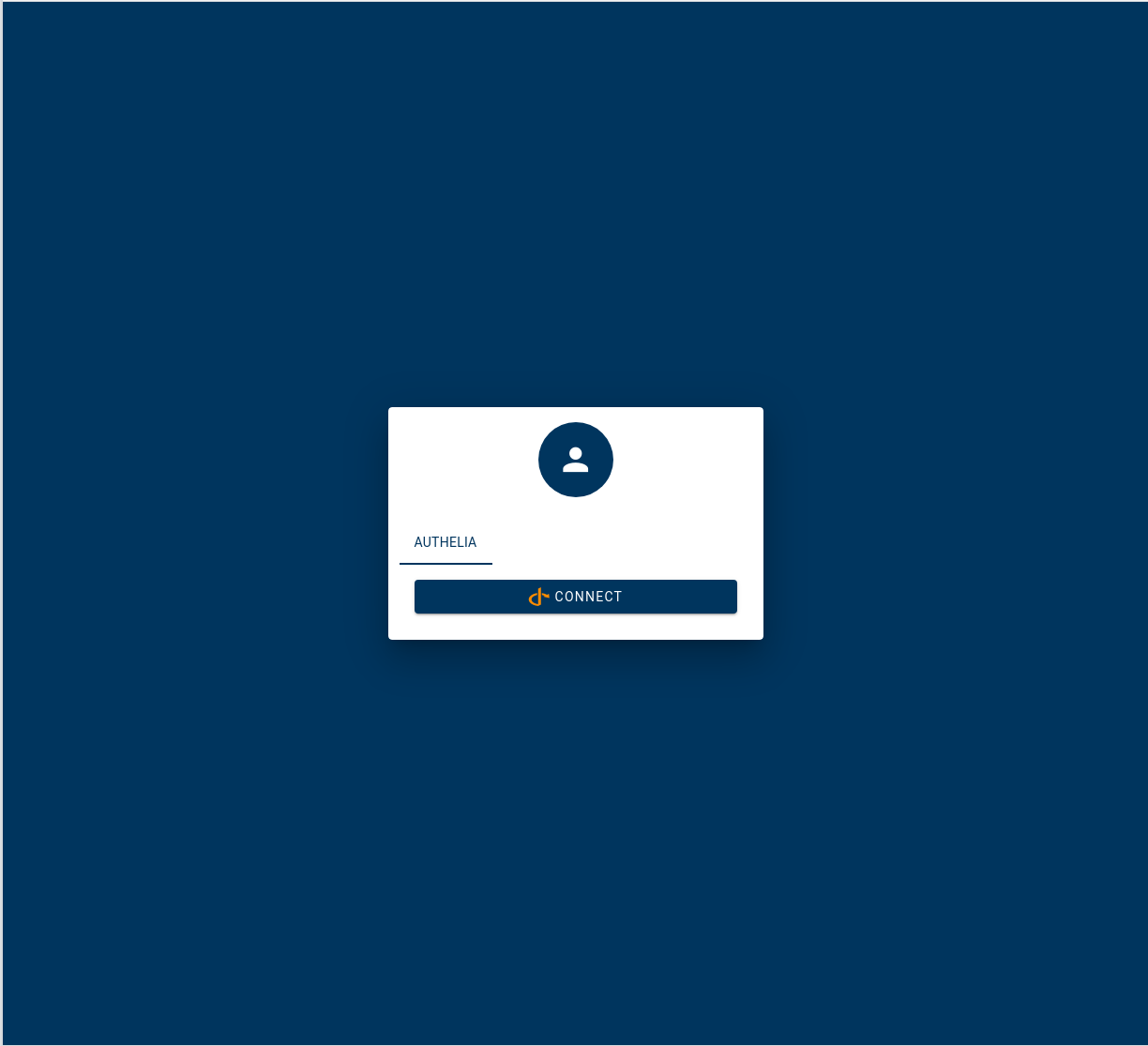
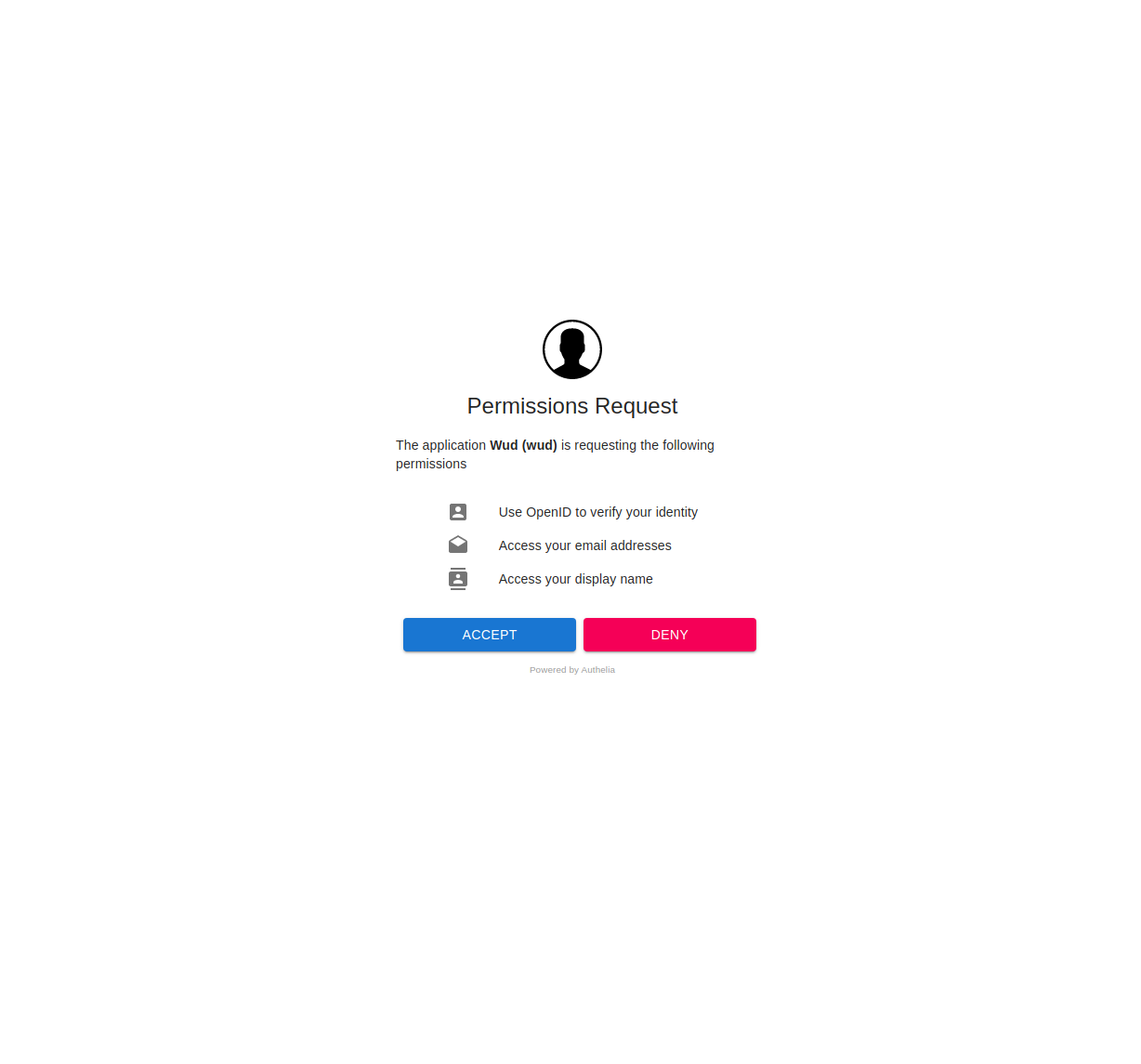
WUD_PUBLIC_URL environment variable.How to integrate with Authelia
Configure an OpenID Client for WUD in Authelia configuration.yml (see official Authelia documentation)
identity_providers:
  oidc:
    hmac_secret: <a-very-long-string>
    issuer_private_key: |
      -----BEGIN RSA PRIVATE KEY-----
      # <Generate & paste here an RSA private key>
      -----END RSA PRIVATE KEY-----
    access_token_lifespan: 1h
    authorize_code_lifespan: 1m
    id_token_lifespan: 1h
    refresh_token_lifespan: 90m
    clients:
      - client_id: my-wud-client-id
        client_name: WUD openid client
        client_secret: this-is-a-very-secure-secret
        public: false
        authorization_policy: one_factor
        token_endpoint_auth_method: client_secret_post
        audience: []
        scopes:
          - openid
          - profile
          - email
        redirect_uris:
          - https://<your_wud_public_domain>/auth/oidc/authelia/cb
        grant_types:
          - refresh_token
          - authorization_code
        response_types:
          - code
        response_modes:
          - form_post
          - query
          - fragment
        userinfo_signing_algorithm: none
Configure WUD
- Docker Compose
- Docker
services:
  whatsupdocker:
    image: getwud/wud
    ...
    environment:
      - WUD_AUTH_OIDC_AUTHELIA_CLIENTID=my-wud-client-id
      - WUD_AUTH_OIDC_AUTHELIA_CLIENTSECRET=this-is-a-very-secure-secret
      - WUD_AUTH_OIDC_AUTHELIA_DISCOVERY=https://<your_authelia_public_domain>/.well-known/openid-configuration
docker run \
  -e WUD_AUTH_OIDC_AUTHELIA_CLIENTID="my-wud-client-id" \
  -e WUD_AUTH_OIDC_AUTHELIA_CLIENTSECRET="this-is-a-very-secure-secret" \
  -e WUD_AUTH_OIDC_AUTHELIA_DISCOVERY="https://<your_authelia_public_domain>/.well-known/openid-configuration" \
  ...
  getwud/wud
How to integrate with Auth0
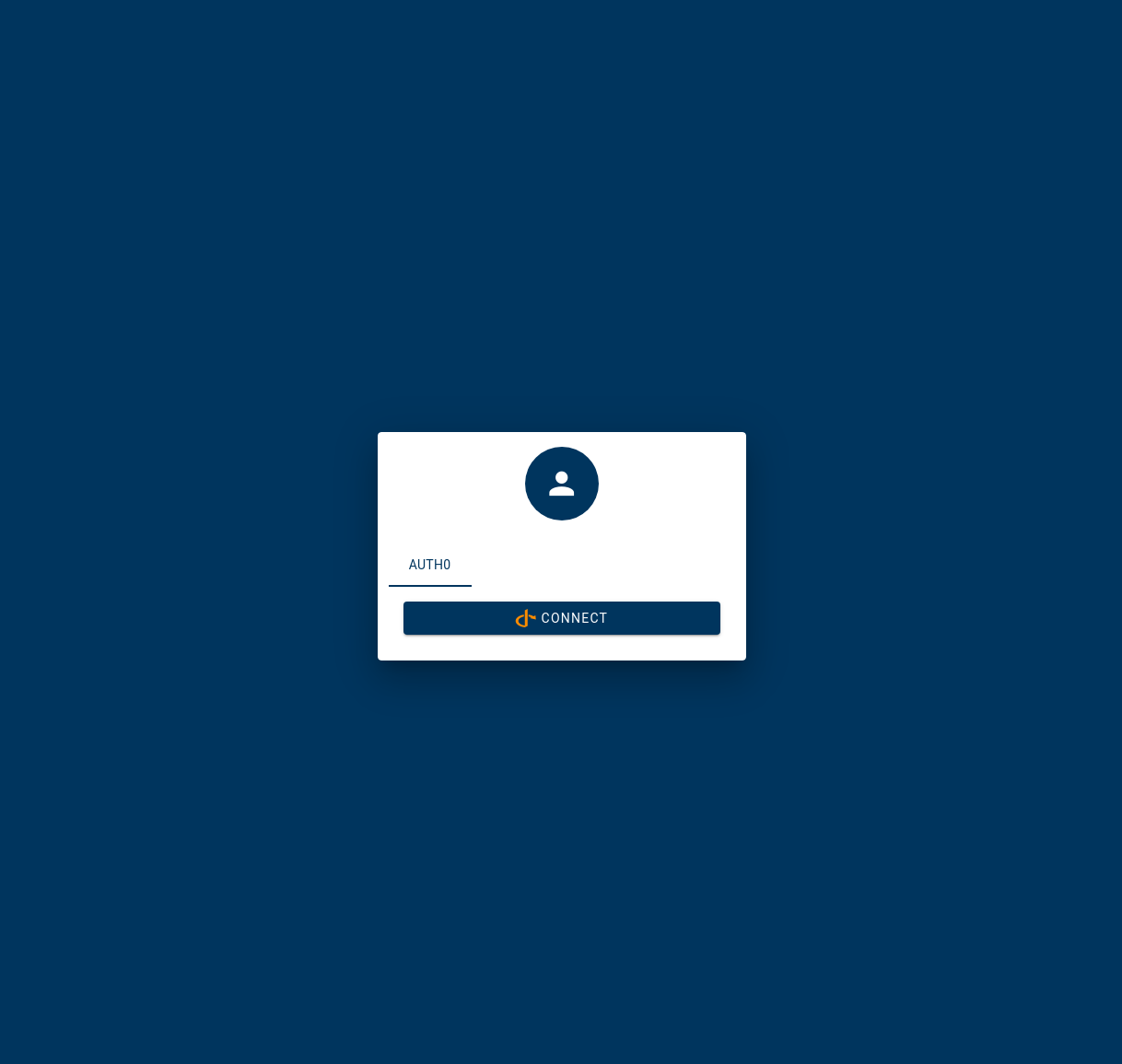
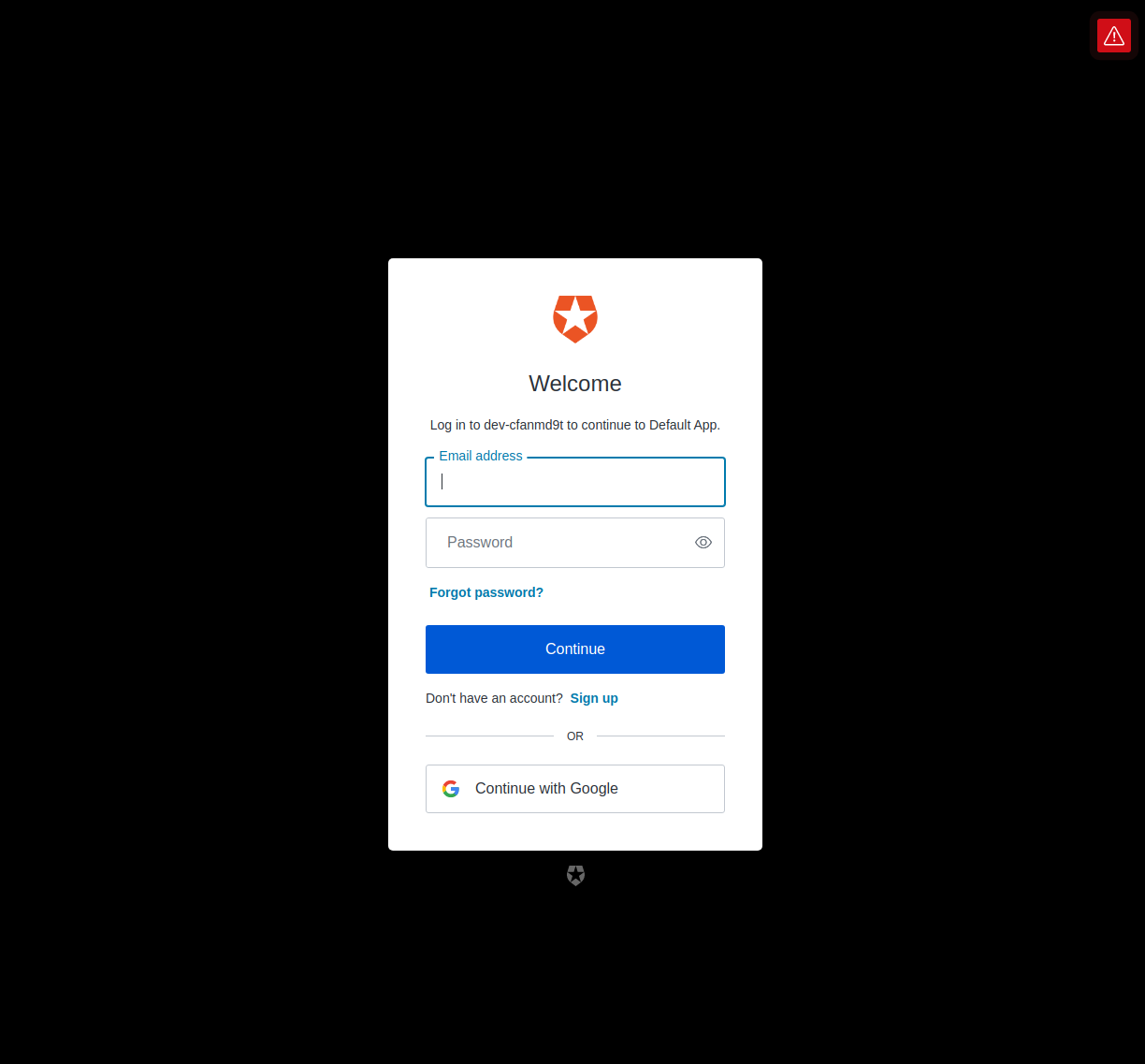
Create an application (Regular Web Application)
Allowed Callback URLs:https://<your_wud_public_domain>/auth/oidc/auth0/cb
Configure WUD
- Docker Compose
- Docker
services:
  whatsupdocker:
    image: getwud/wud
    ...
    environment:
      - WUD_AUTH_OIDC_AUTH0_CLIENTID=<paste the Client ID from auth0 application settings>
      - WUD_AUTH_OIDC_AUTH0_CLIENTSECRET=<paste the Client Secret from auth0 application settings>
      - WUD_AUTH_OIDC_AUTH0_DISCOVERY=https://<paste the domain from auth0 application settings>/.well-known/openid-configuration
docker run \
  -e WUD_AUTH_OIDC_AUTH0_CLIENTID="<paste the Client ID from auth0 application settings>" \
  -e WUD_AUTH_OIDC_AUTH0_CLIENTSECRET="<paste the Client Secret from auth0 application settings>" \
  -e WUD_AUTH_OIDC_AUTH0_DISCOVERY="https://<paste the domain from auth0 application settings>/.well-known/openid-configuration" \
  ...
  getwud/wud
How to integrate with Authentik
In Authentik, create a provider of type OAuth2/OpenID (or configure an existing one)
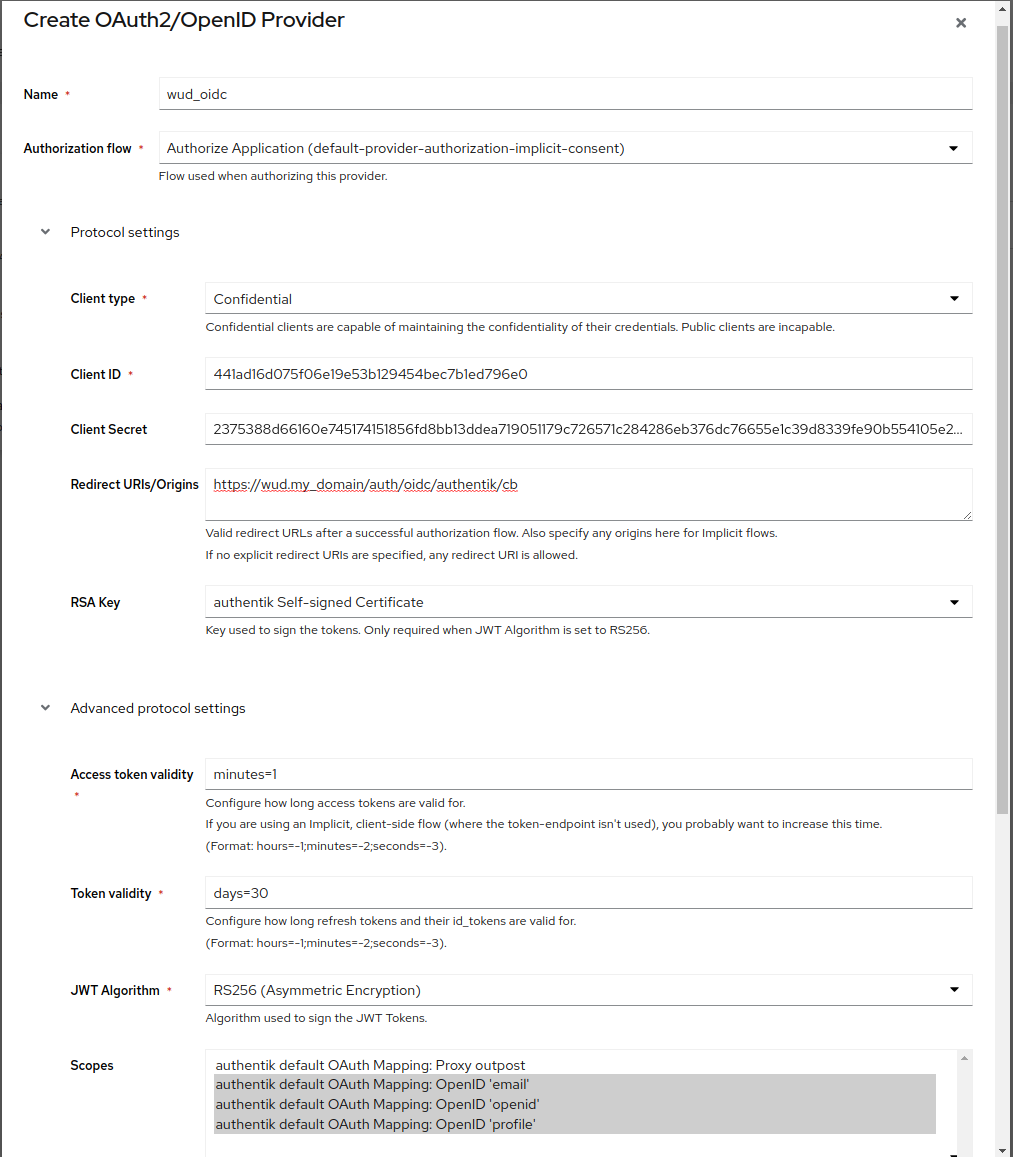
Important settings:
- Client Type:
Confidential - Client ID:
<generated value> - Client Secret:
<generated value> - Redirect URIs/Origins:
https://<your_wud_public_domain>/auth/oidc/authentik/cb - Scopes:
email,openid,profile
In Authentik, create an application associated with the provider
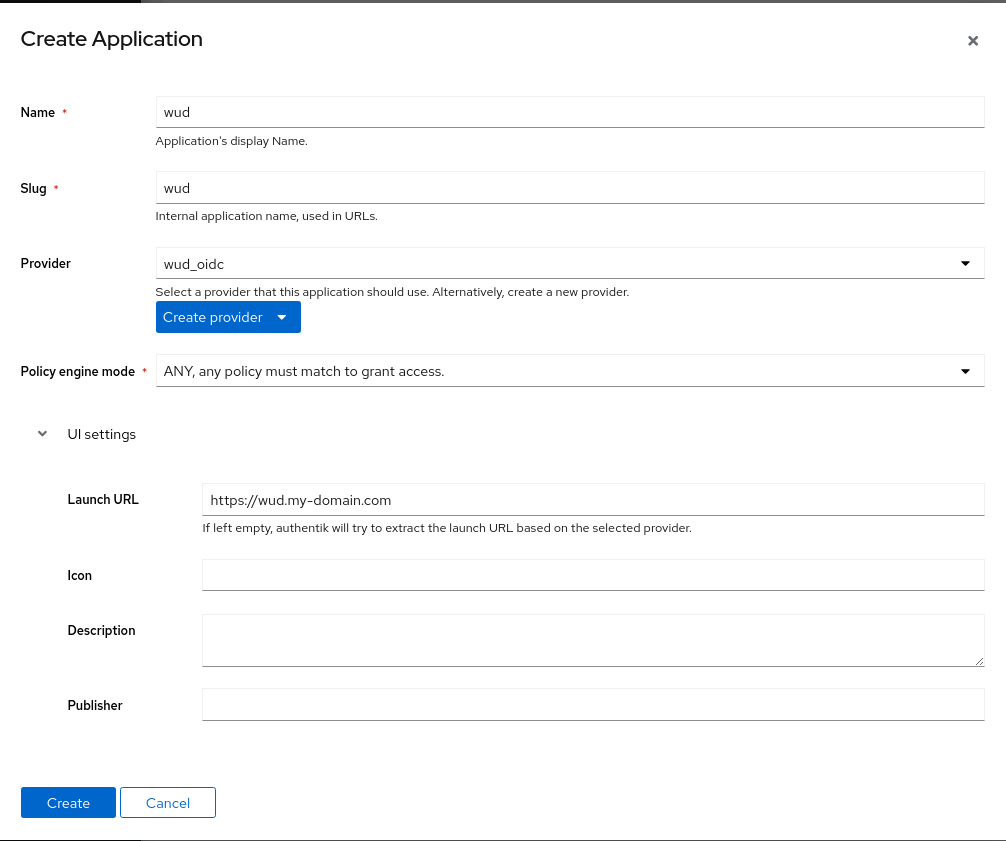
Configure WUD
- Docker Compose
- Docker
services:
  whatsupdocker:
    image: getwud/wud
    ...
    environment:
      - WUD_AUTH_OIDC_AUTHENTIK_CLIENTID=<paste the Client ID from authentik wud_oidc provider>
      - WUD_AUTH_OIDC_AUTHENTIK_CLIENTSECRET=<paste the Client Secret from authentik wud_oidc provider>
      - WUD_AUTH_OIDC_AUTHENTIK_DISCOVERY=<authentik_url>/application/o/<authentik_application_name>/.well-known/openid-configuration
      - WUD_AUTH_OIDC_AUTHENTIK_REDIRECT=true # optional (to skip internal login page)
docker run \
  -e WUD_AUTH_OIDC_AUTHENTIK_CLIENTID="<paste the Client ID from authentik wud_oidc provider>" \
  -e WUD_AUTH_OIDC_AUTHENTIK_CLIENTSECRET="<paste the Client Secret from authentik wud_oidc provider>" \
  -e WUD_AUTH_OIDC_AUTHENTIK_DISCOVERY="<authentik_url>/application/o/<authentik_application_name>/.well-known/openid-configuration" \
  -e WUD_AUTH_OIDC_AUTHENTIK_REDIRECT=true \
  ...
  getwud/wud